Visitors
Sessions, engagement, conversions, channels and landing pages from Google Analytics 4 for the period you choose.
Visitors is the Google Analytics 4 half of Traffic: how people found you, the page they landed on, and what they did next. It needs GA4 connected through the Google integration Professional and up.
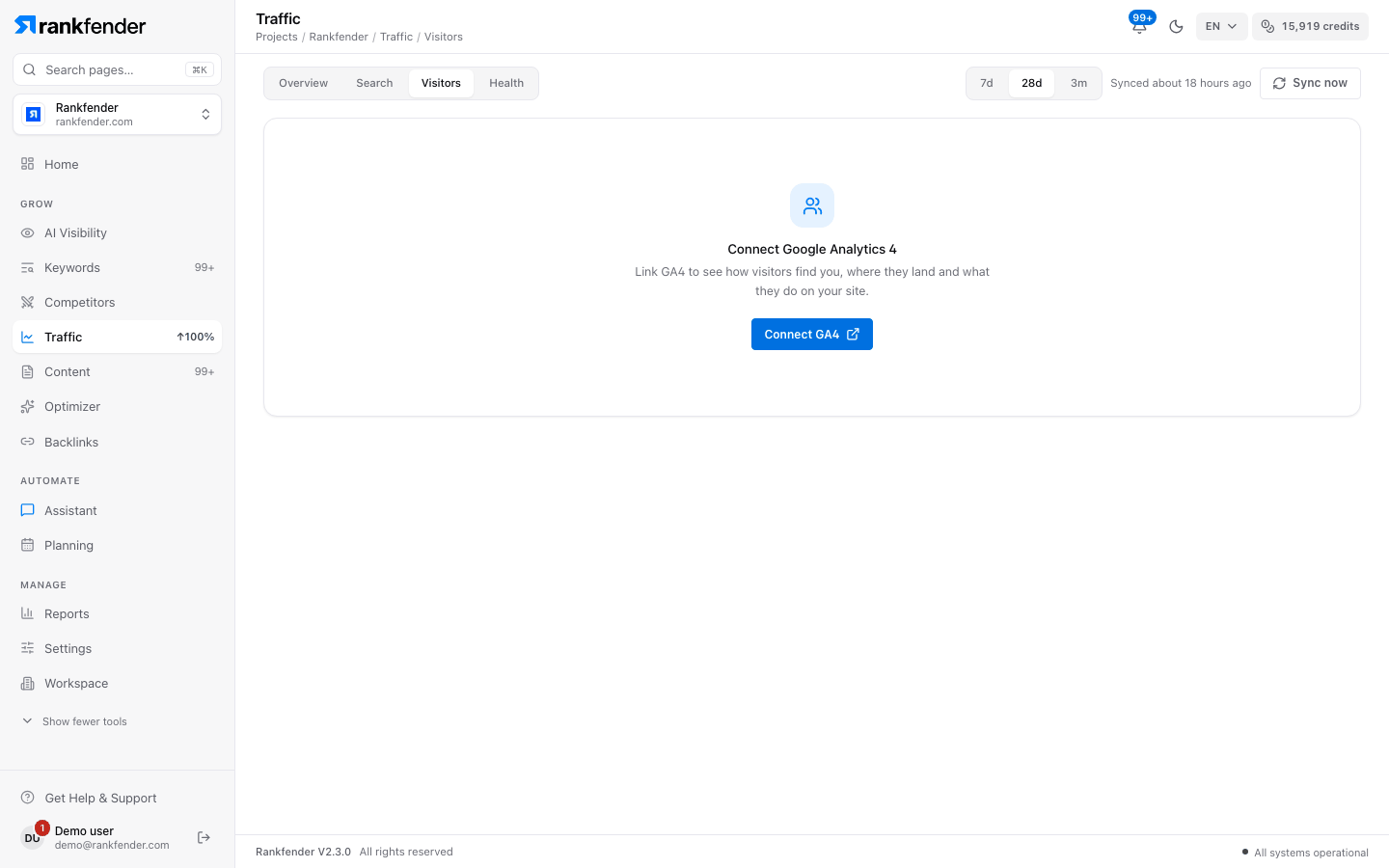
Connect GA4
Press Connect GA4
The tab shows "Connect Google Analytics 4" until a GA4 property is linked. The button opens Settings › Integrations.Choose your GA4 property
On the Google card, pick the GA4 property of this site, next to your Search Console property.Come back after the first sync
Numbers appear once Google has sent its first data.
"Your visitors"
Three numbers for the chosen period, each compared with the previous period of the same length.
| Number | What it means |
|---|---|
| Sessions | Visits from every source, not only Google. |
| Engagement rate | Share of visits that stayed or interacted. |
| Conversions | Key events your visitors completed, as set up in GA4. |
"How visitors find you"
Visits grouped by channel: search, direct, social, referral and more (Traffic Sources).
"Where they land"
The first page of each visit, and how well it held attention. Type in the filter field to find a page.
| Column | What it means |
|---|---|
| Landing Page | The page the visit started on. |
| Sessions | Visits that started on this page. |
| Engaged | Visits that stayed or interacted. |
| Bounce Rate | Share of visits that left without engaging. |
| Conversions | Key events completed during these visits. |
| Avg Duration | Average time spent per visit. |
"What they use and do"
- Device Split: visits by phone, computer and tablet.
- Top Events: the actions GA4 counted most often.
Tip
Pages with many visits but little engagement, or no conversions, are flagged in Health (Professional and above).