Search
Clicks, impressions, CTR and positions from Google Search Console, by search and by page, for the period you choose.
Search is the Google Search Console half of Traffic: how often your pages are shown in Google, how often they are clicked, and where they rank. It needs Search Console connected Professional and up.
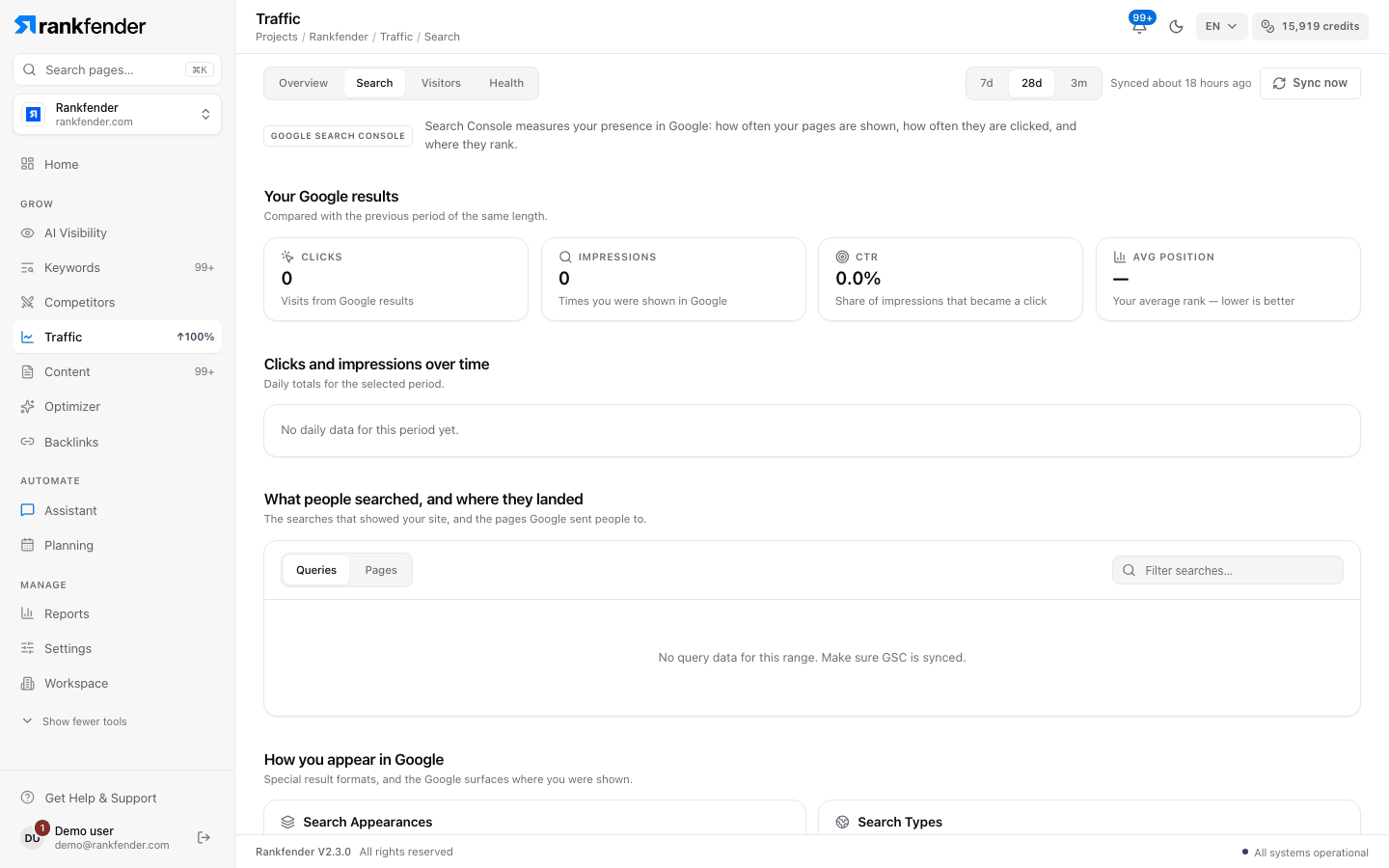
"Your Google results"
Four numbers for the chosen period, each compared with the previous period of the same length.
| Number | What it means |
|---|---|
| Clicks | Visits from Google results. |
| Impressions | Times you were shown in Google. |
| CTR | Share of impressions that became a click (clicks ÷ impressions). |
| Avg position | Your average rank. Lower is better. |
"Clicks and impressions over time"
Daily totals for the period. Google reports with a 2–3 day delay, so the last days are always lower.
"What people searched, and where they landed"
Switch between Queries and Pages, and type in the filter field to narrow the list. Tables show 50 rows per page; click a column title to sort.
| View | Columns |
|---|---|
| Queries | Query, Clicks, Impressions, CTR, Avg Position. |
| Pages | Page, GSC Clicks, Impressions, CTR, Position, then Sessions, Eng. Rate and Conversions from GA4, and Health. |
- Health is a 0–100 score per page: green from 60, orange from 30, red below.
- Click a page to see its Country breakdown.
- Without GA4, the visit columns stay empty: see Visitors.
"How you appear in Google"
- Search Appearances: rich results, videos and other special formats, by impressions.
- Search Types: web, image, video and news search, by impressions.
No data yet?
Right after connecting, the tab shows "No data yet" and "Run first sync", which pulls 90 days of history. Google then sends new data once a day.
Tip
The same searches, with Rankfender's search volume and difficulty next to them, are in Keywords › Rankings.