Home overview
What Home shows for a project: the status sentence, the live setup log and how the cards are laid out.
Home is the first page of every project ("Home" at the top of the sidebar). It answers three questions: where you stand in Google and in AI answers, what Rankfender has already done for you, and what to do next.
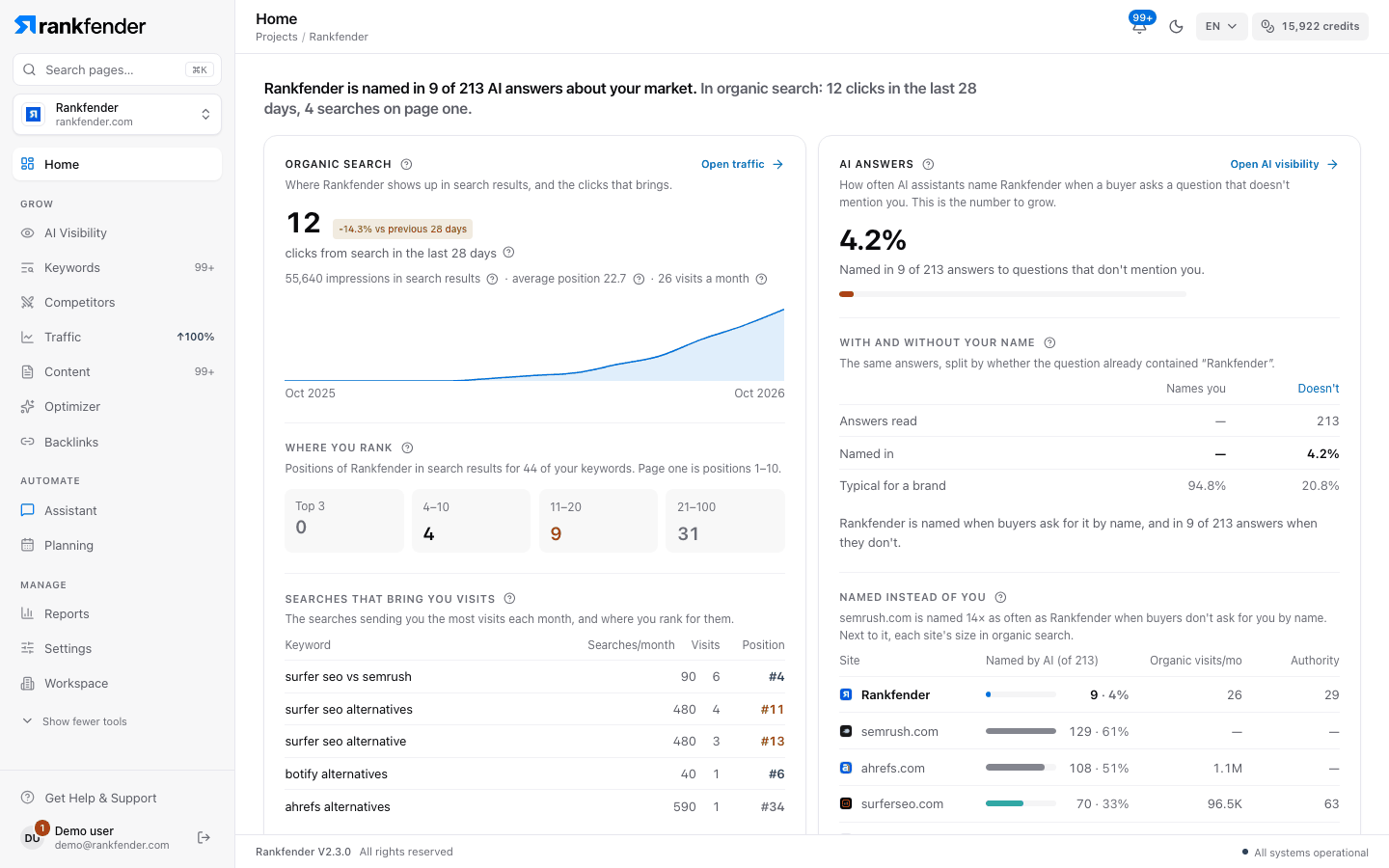
What's on Home, from top to bottom
| # | Section | What it shows | Details |
|---|---|---|---|
| 1 | Status sentence | One line on your AI answers and your organic search. | — |
| 2 | "What we did for you" | Every setup step, with what it found. | — |
| 3 | "Organic search" · "AI answers" | Your visits and keywords from Google; how often AI assistants name you. | Organic search and AI answers |
| 4 | "Your first week" or "Next steps" · "Site health" · "Links" | What to do now; how readable your site is; who links to you. | Next steps, site health and links |
| 5 | "AI visibility over time" · "By AI assistant" | Your weekly trend and each assistant's results (after the first answers). | Organic search and AI answers |
| 6 | "Questions you lose" · "Questions you win" | Questions where AI names someone else, or you. | Organic search and AI answers |
| 7 | "Your AI team this week" | What the four helpers did in the last 7 days. | Your AI team and what we know |
| 8 | "What we know about you" | The profile everything else is built on. | Your AI team and what we know |
Cards that belong together sit side by side at the same height. The (?) next to a figure explains it in one line and links to the page of these docs that covers it.
The status sentence
The first line sums up where you stand, in plain words. For example:
- "… is named in 3 of 40 AI answers about your market."
- "In organic search: 120 clicks in the last 28 days, 4 searches on page one."
- "Your first AI check is running: results in about 8 min."
"What we did for you"
While a new project is being set up, this card is called "What we're doing for you", shows a "Live" badge and the time left. You can leave the page: setup keeps running. When it's done, the card sums up what was set up; "Show every step" opens the full list:
- "Read your website"
- "Look for your logo"
- "Look for your brand colours"
- "Write your brand book"
- "Find your competitors"
- "Check your site's health"
- "Map your topics"
- "Describe your buyers"
- "Find your keywords"
- "Look up search numbers"
- "Write the questions buyers ask AI"
- "Ask AI assistants your questions"
- "Plan your first articles"
- "Read your search results"
Each step shows its state ("Done", "Partly done", "Nothing found", "Didn't finish", "Waiting on an earlier step" or "Not on your plan") and what it found. When steps didn't finish, "Try the … steps again" re-runs only those, and "Email me when it's ready" sends you an e-mail when they are done.
If Home doesn't load
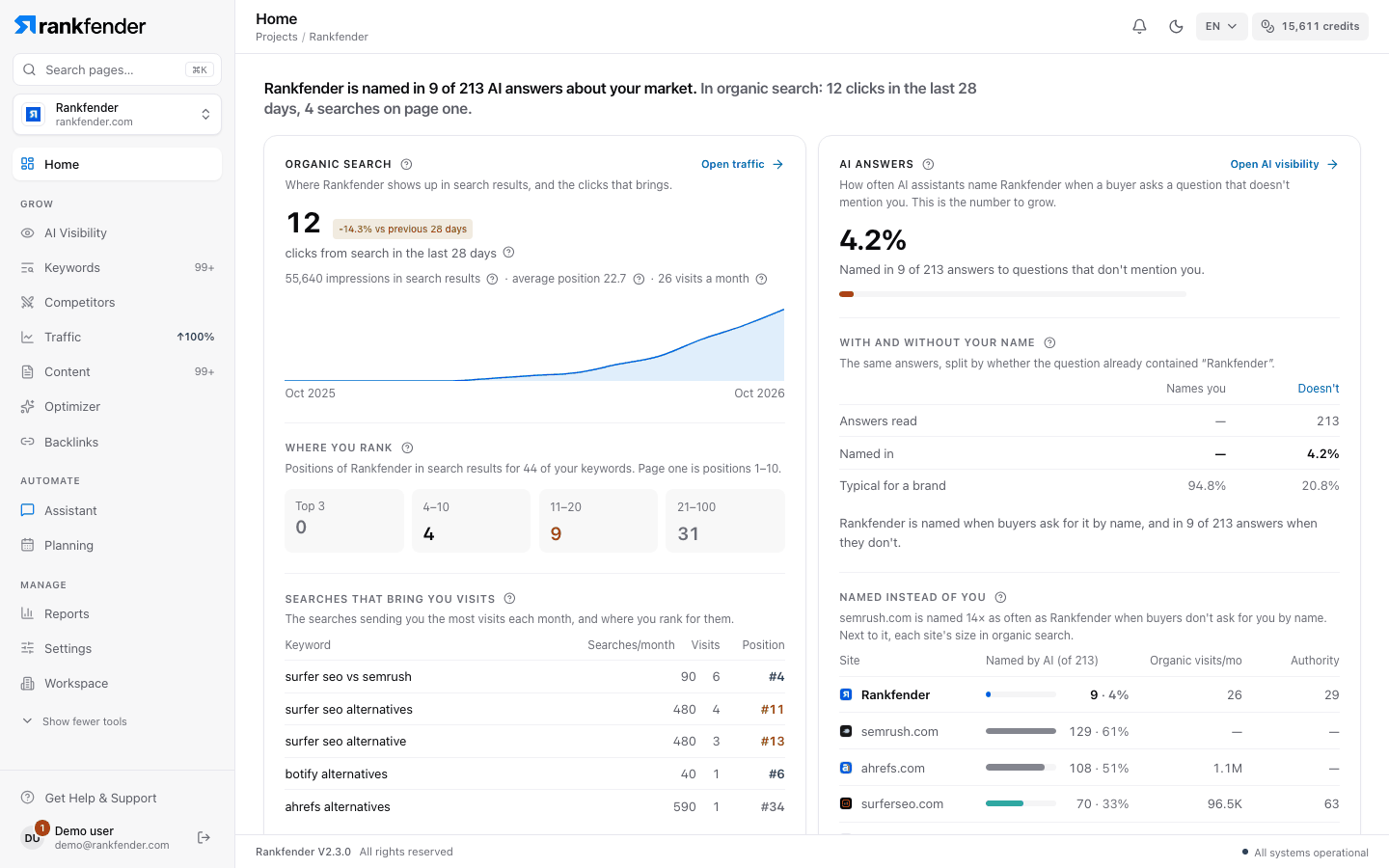
If the AI part can't load, Home shows "We couldn't load your Home just now." with "Try again". Your data is safe, and the rest of Home (the setup log, organic search, site health and next steps) still shows.
Tip
New project? Start with Your first week.