Plans
Essential, Professional, Business and Agencies: monthly prices in EUR or USD, yearly billing, pay as you go, and how to change plan.
Rankfender has four plans and a pay-as-you-go option. Every plan includes the same tools; the plans differ in how many brands, AI questions, keywords, articles and seats you get, how often AI answers are checked, and how many monthly credits are included. Prices are per month, in euros or US dollars.
The four plans
| Plan | Price per month | Made for |
|---|---|---|
| Essential | €79 / $89 | Freelancers and small businesses: 1 brand, 15 AI questions, 50 keywords, 5 articles a month. |
| Professional | €179 / $199 | Growing teams: 2 brands, 30 AI questions, 150 keywords, 15 articles a month, Google integration. |
| Business | €449 / $499 | Several brands or languages: 5 brands (or 1 brand in 5 languages), 80 AI questions, 30 articles a month, 5 seats, link building. |
| Agencies | Custom | Agencies: unlimited brands, AI questions, keywords, articles and seats. Priced with our team. |
The full comparison is in Plan limits. What credits are and what they pay for: Monthly credits.
Monthly or yearly
Every paid plan can be billed monthly or yearly. Yearly costs about 17 % less than twelve monthly payments; the plans window marks it "2 months free" and shows the yearly price. You pay in EUR or USD. Once you subscribe, the currency is fixed for that subscription: the plans window shows it as "locked".
Pay as you go
No subscription: you buy credit packs (from €10 / $11) and use Essential's features on 1 project. Credits never expire. Details: Pay as you go.
Choosing or changing a plan
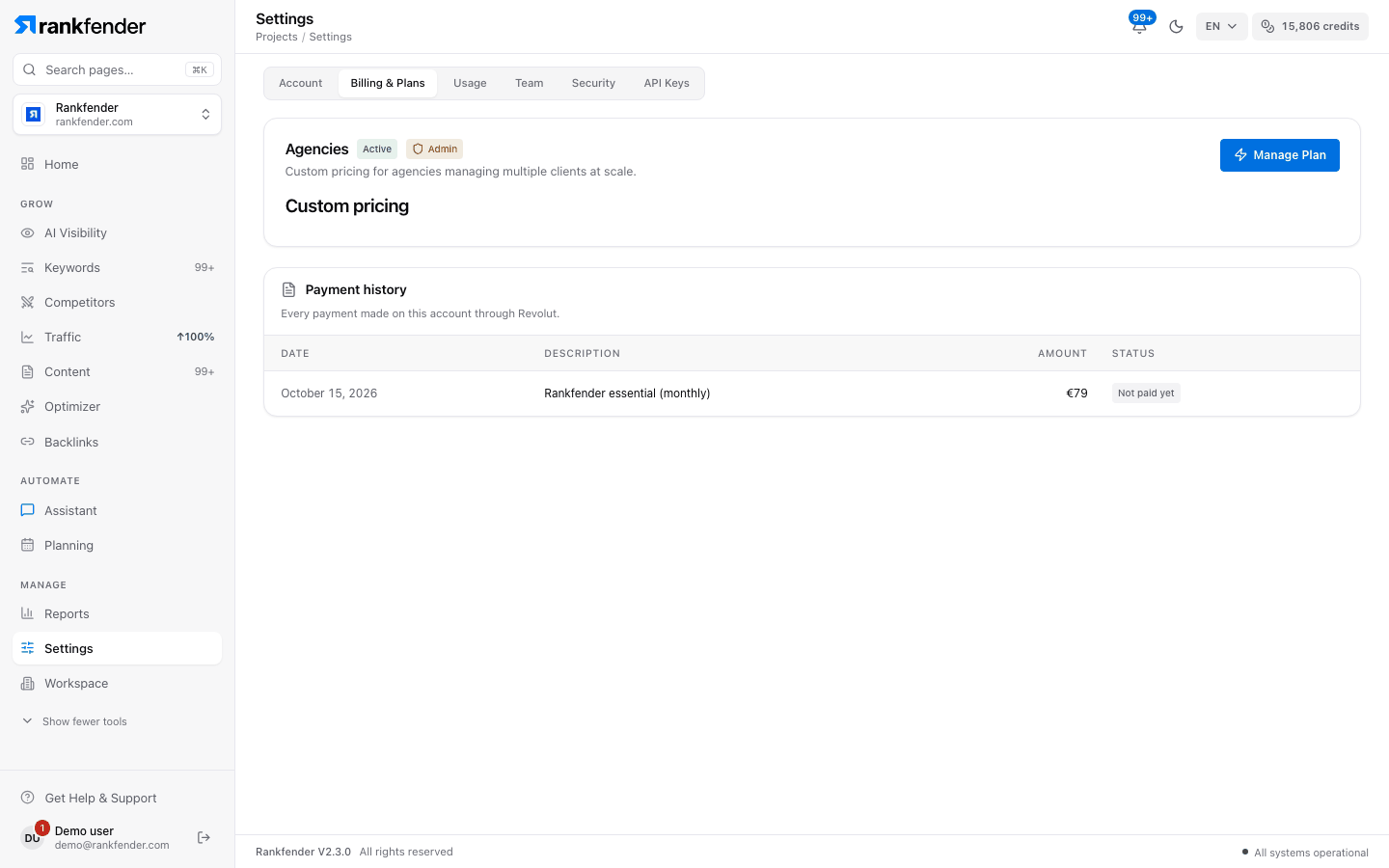
Open "Billing & Plans"
In the account menu at the bottom left. It opens Account Settings on the "Billing & Plans" tab.
Click "Change plan" (or "Manage Plan")
The plans window opens. Pick "Yearly" or "Monthly", and $ USD or € EUR if you do not have a subscription yet.
Pick a plan
"Upgrade Plan" or "Downgrade Plan" on the plan you want. A first subscription goes to the checkout page; a change to an existing subscription is applied straight away.
| Change | When it applies |
|---|---|
| Upgrade | The higher plan is yours at once. The new price is charged from your next renewal. |
| Downgrade | At your next renewal, plan and price together. |
| Monthly ↔ yearly | At your next renewal. |
| Agencies | "Contact Sales" opens an email to sales@rankfender.com. |
Note
Paying, receipts and cancelling: Billing and receipts. Questions about plans: "Book a Demo" at the bottom of the plans window.