Reports
Make PDF, CSV or Excel reports from your project data, send them on a schedule and share them by link: how the Reports page works.
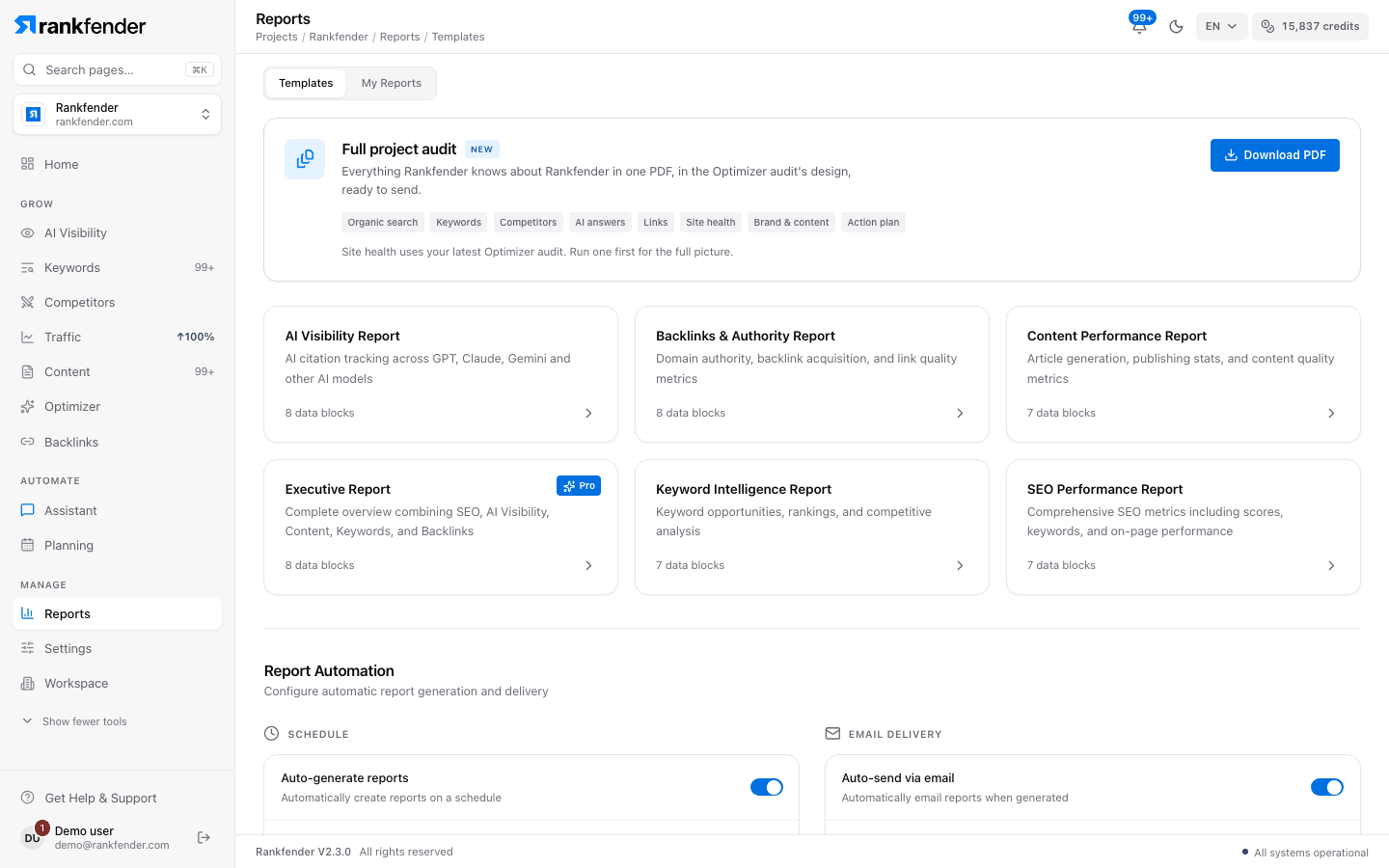
Reports turns your project data into documents "you can send to your boss or a client". Open Reports in the sidebar. The page has two tabs: "Templates", to make a report, and "My Reports", with every report made so far.
What you can do here
| Part of the page | What it does | Read more |
|---|---|---|
| "Full project audit" | One PDF with everything Rankfender knows about the project, in 8 parts. | Templates and the full project audit |
| Templates | Six report types (SEO, AI visibility, content, keywords, backlinks, executive) over a date range you choose. | Templates and the full project audit |
| "My Reports" | Open, regenerate, export (PDF, CSV, Excel), share or delete a report. | Below |
| "Report Automation" | Builds a report on a schedule and emails a link to it. | Scheduled Reports |
| Share links | Links to a report that can expire after 7, 30 or 90 days. | Sharing Reports |
| "Branding" | Your company name, logo and color on reports. Agencies plan. | Custom Branding |
Make a report
Open "Templates" and click a template
The Executive Report is locked ("Pro+") below Professional.
Choose the period in "Select Date Range"
"Last 7 Days", "Last 30 Days", "Last 90 Days" or "Custom Range" with a start and end date.
Click "Generate Report"
The report opens in "My Reports" with the status "generating", then "ready" (or "failed").
Click "View Report"
The report opens inside the app.
Inside a report
The bar at the top of an open report has:
- "Back to Reports".
- "Regenerate": builds the report again with current data, after you confirm.
- "Export": "Export as PDF", "Export as CSV" or "Export as Excel".
- "Share": creates and manages share links.
On a report card in "My Reports", the bin icon deletes the report and the share icon opens its links.
Note
"Export as PDF" draws the PDF from today's data, in the full project audit's design, with the parts that fit the template. It does not use the report's date range. CSV and Excel export the report's own numbers. The PDF text is in English.
Plans
Reports, exports, share links and scheduled reports are on every plan. The Executive Report needs Professional or higher, and branding needs Agencies.