Integrations
The four integration cards: WordPress, Google (Search Console and GA4), Slack (coming soon) and Modern Web, with their plans.
Settings › "Integrations" connects Rankfender to your website and to your Google data. It has four cards. Each connection belongs to the project you have open.
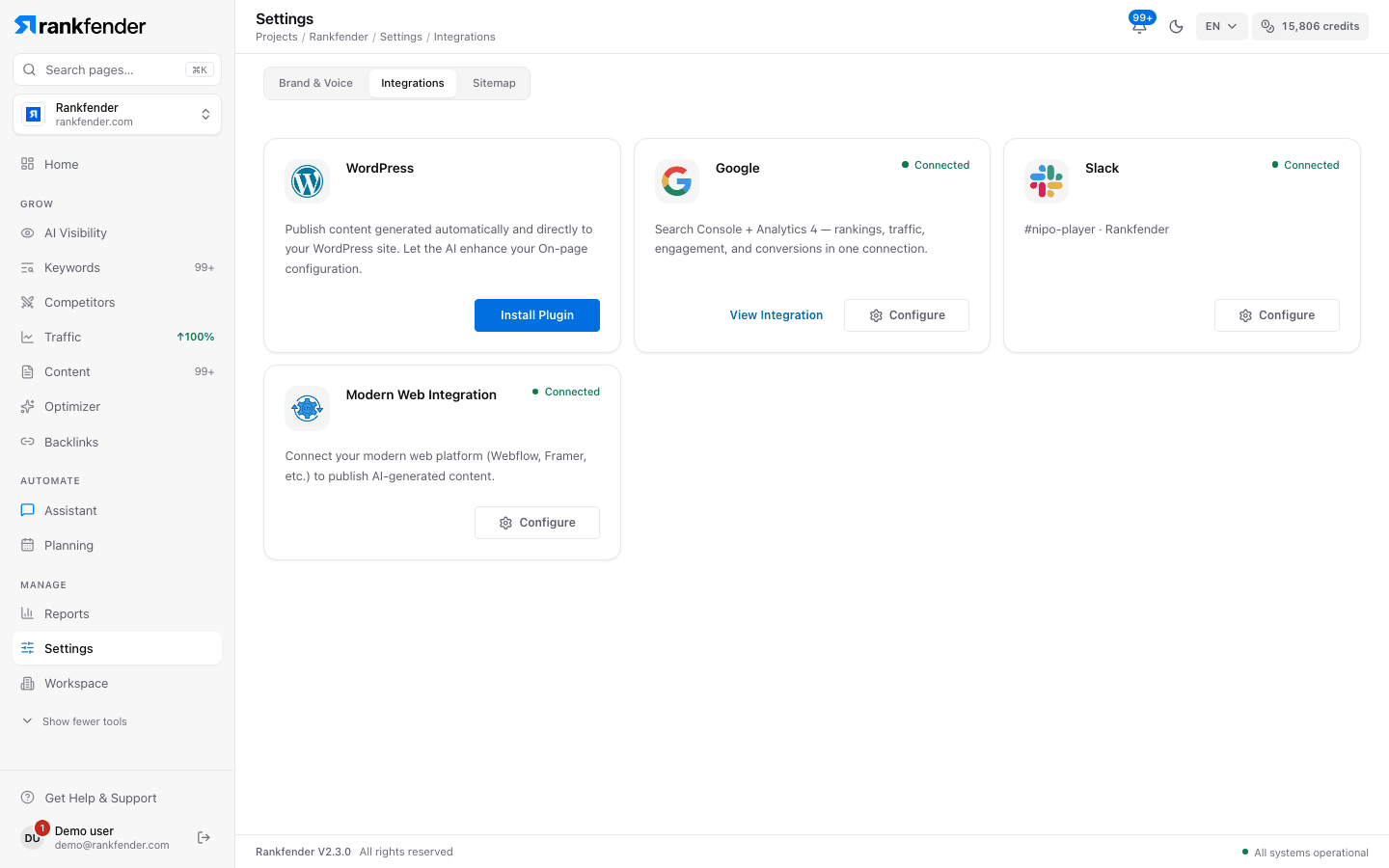
The four cards
| Card | What it does | Plans | Read more |
|---|---|---|---|
| "WordPress" | Publishes your articles to a WordPress site through the Rankfender plugin and fills your SEO plugin's fields. | Every plan | WordPress Integration |
| "Google" | Search Console and Google Analytics 4 in one connection: clicks, impressions, positions, sessions and conversions. | Professional, Business, Agencies | |
| "Slack" | Findings, tasks and a morning brief in a Slack channel. | Coming soon | Slack |
| "Modern Web Integration" | For any other site: your site pulls articles with an API key, or Rankfender pushes each article to your webhook. | Every plan | Modern Web |
Reading a card
- A connected card shows a green "Connected" and a "Configure" button that opens its settings.
- A card that is not connected shows its own button: "Install Plugin" for WordPress, "Connect" for the others.
- On Essential and Pay as you go, the Google and Slack cards are locked, with the text "Non-WordPress integrations are available on the Professional plan and above.". WordPress and Modern Web still work.
Note
There is no dedicated card for other CMSs or site builders. If your site does not run WordPress, use Modern Web. How articles are published once a site is connected: Publishing and autopilot.