Welcome to Rankfender
What Rankfender 2.3 does for your brand in search and AI answers, what it measures, and where to start.
What Rankfender does
Rankfender is an SEO and GEO platform. It shows how your brand appears in Google and in the answers of AI assistants, finds the searches and questions worth winning, writes articles to win them, and checks that search engines and AI can read your site.
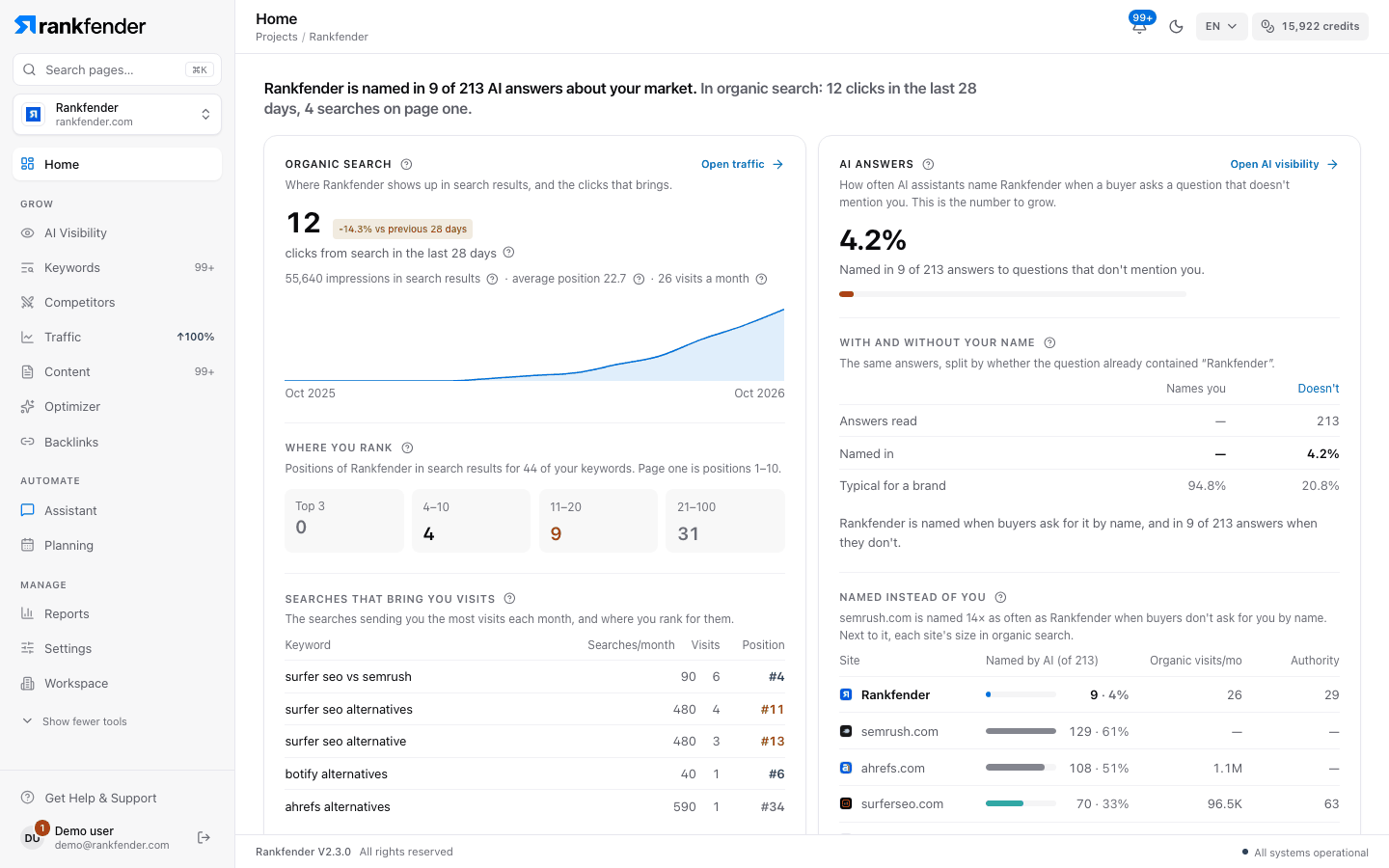
The main areas
| Area | What it does |
|---|---|
| Home | One page per project: status, setup, Google and AI results, and what to do next. |
| AI Visibility | Asks AI assistants the questions your buyers ask and records whether you are named, where, in what tone and with which sources. |
| Keywords | Reads your pages, measures real search demand and keeps up to 30 searches most likely to bring customers. |
| Competitors | One measured picture of your competitors in six views. |
| Traffic | Your Google Search Console and Google Analytics data, once Google is connected. |
| Content | Articles written from source evidence, cited to real pages and reviewed before they can be published. |
| Optimizer | An SEO, GEO and AEO audit of your site with one Site Health score and fixes page by page. |
| Backlinks | Your link profile, and done-for-you link building on Business and Agencies. |
| Planning | The task board and the editorial calendar. |
| Reports | Branded PDF, CSV and Excel reports, sent by email on a schedule or shared by link. |
| Assistant | An SEO agent that reads your project's data and acts after you confirm. |
What it measures
- AI answers. Real answers from up to 8 assistants, depending on your plan: ChatGPT, Claude, Gemini, Perplexity, DeepSeek, Grok, Llama and Mistral.
- Google. The searches your site already appears for and the visits they bring, measured by Rankfender. With Google Search Console connected, also your own clicks, impressions and positions.
- Your site. The pages read by the site audit: 10, 50 or 500 per audit, depending on your plan.
Tip
You don't need to connect anything to start. Rankfender collects its own data; Search Console and Analytics add detail later.
Where to start
Two steps: your website, then your plan. Setup then runs on its own for about 5 minutes.
Seven steps on Home that take you to your first AI answers, keyword, article and site fix.
The sidebar, page search, credits and the account menu.
Plans and credits
There are four plans (Essential, Professional, Business and Agencies) and pay-as-you-go, with no subscription. Every plan includes monthly usage credits that pay for work such as AI checks, articles and data. The credits chip in the top bar shows your balance. Details: Plans and Monthly credits.