Content History
Manage, review, edit, and publish your content from the Content History dashboard.
Posts Dashboard
The Posts section is your central hub for managing all content in a project. Every article -- whether generated by Autopilot or created manually -- appears here with its current status, metadata, and publishing options.
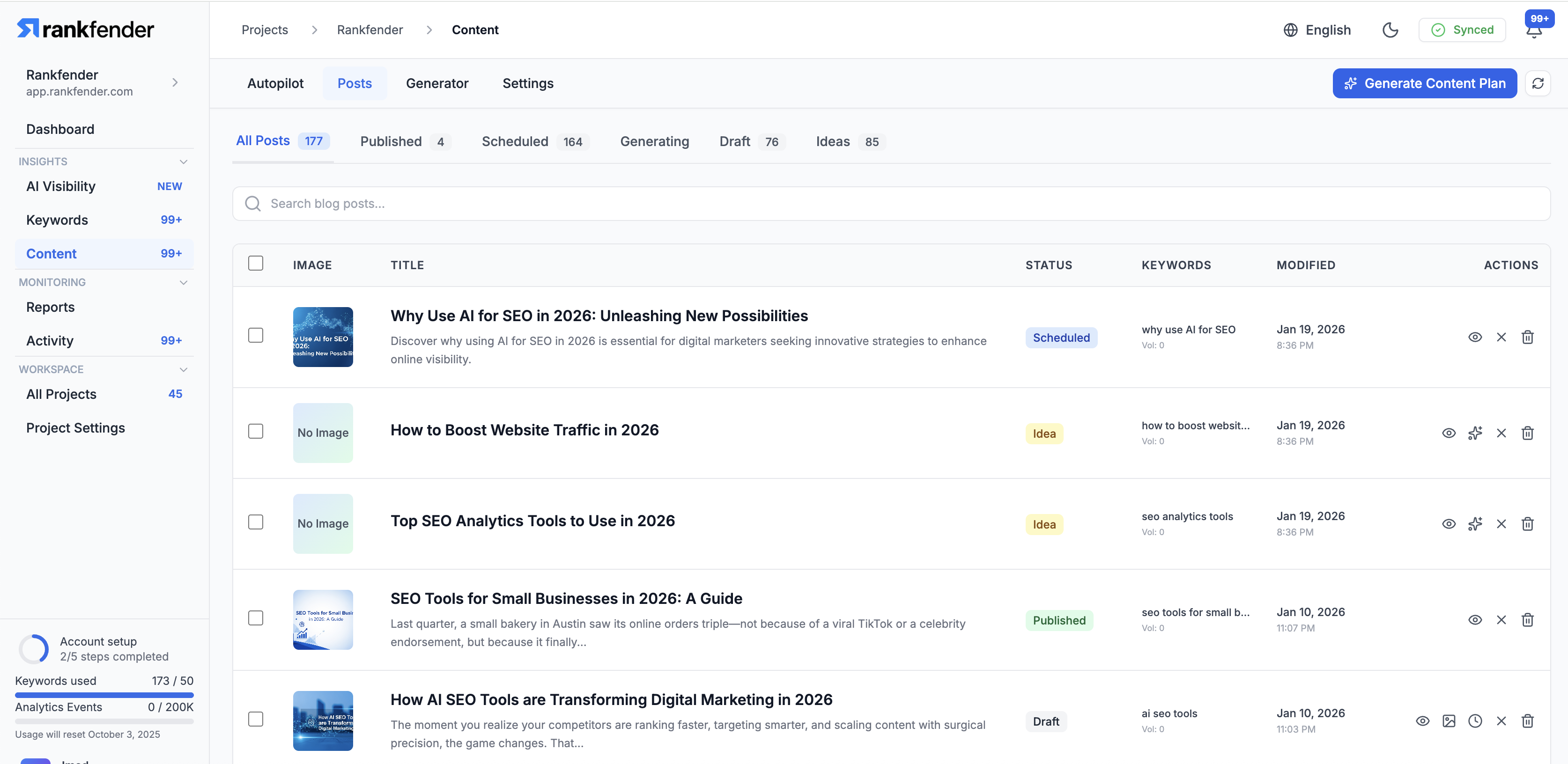
Post Statuses
- Idea: Queued for generation, keyword assigned
- Generating: AI is currently writing the article
- Draft: Content ready for review and editing
- Scheduled: Approved and set to publish at a future time
- Published: Live on your website
- Failed: Generation encountered an error (can be retried)
Filtering & Search
Use the toolbar to filter posts:
- Filter by status (Draft, Published, Scheduled, etc.)
- Filter by content type (Blog Post, How-To, Comparison, etc.)
- Search by title or keyword
- Sort by date, status, or keyword
Editing a Post
Click on any post to open the editor. The editor provides:
- Rich text editing with formatting toolbar
- SEO fields (meta title, meta description, focus keyword)
- Featured image management
- Slug/URL editing
- Internal link suggestions
- Preview mode
Bulk Actions
Select multiple posts to perform bulk actions:
- Publish multiple drafts at once
- Delete selected posts
- Change status (e.g., move to draft)
- Export selected articles
Publishing
When publishing a post:
- If WordPress is connected, the article syncs automatically
- If using webhooks, the article is sent to your endpoint
- SEO metadata, images, and formatting are all included
- You can schedule publication for a specific date and time