Todos los proyectos
Gestiona todos los proyectos de tu espacio de trabajo desde un panel centralizado.
Projects Dashboard
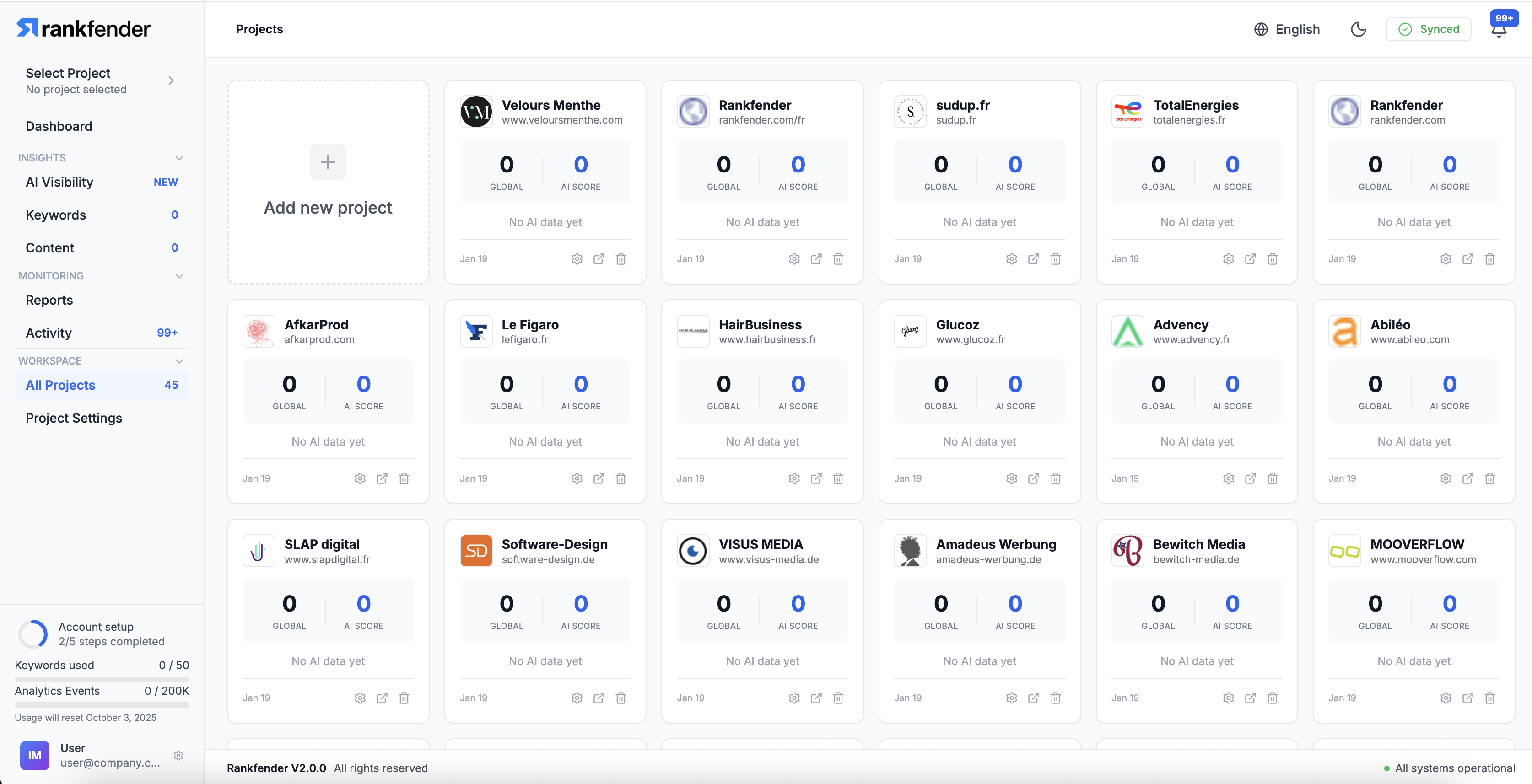
The Projects page shows all projects in your current workspace. Each project card displays key metrics at a glance: content count, keyword count, AI visibility score, and recent activity.
Creating a New Project
- Click "New Project" from the Projects page
- Enter the project name and website URL
- Select the primary language
- Complete the Brand Book setup (or generate with AI)
- The project is ready to use
Project Card Information
- Project Name: Brand or website name
- Articles: Total content count
- Keywords: Number of tracked keywords
- AI Score: Current AI Citation Score
- Status: Active, paused, or setup required
Project Actions
- Open: Enter the project's dashboard
- Settings: Access project settings
- Pause: Temporarily stop Autopilot and tracking
- Archive: Archive inactive projects (data preserved)
Project Limits
The number of projects you can create depends on your plan. See Plans & Features for details.