Historique du contenu
Gérez, révisez, éditez et publiez vos contenus depuis le tableau de bord Historique du contenu.
Posts Dashboard
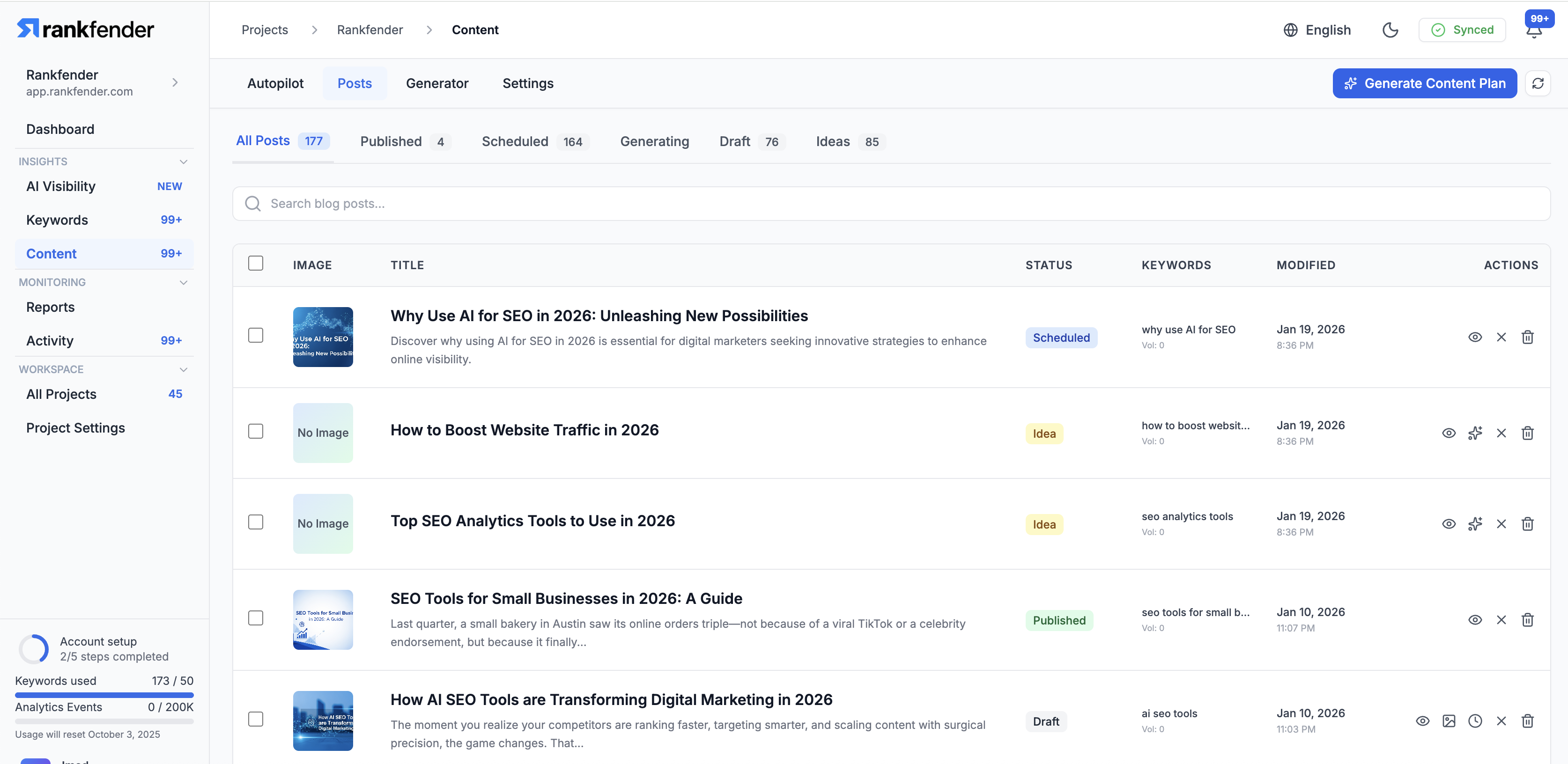
The Posts section is your central hub for managing all content in a project. Every article -- whether generated by Autopilot or created manually -- appears here with its current status, metadata, and publishing options.
Post Statuses
- Idea: Queued for generation, keyword assigned
- Generating: AI is currently writing the article
- Draft: Content ready for review and editing
- Scheduled: Approved and set to publish at a future time
- Published: Live on your website
- Failed: Generation encountered an error (can be retried)
Filtering & Search
Use the toolbar to filter posts:
- Filter by status (Draft, Published, Scheduled, etc.)
- Filter by content type (Blog Post, How-To, Comparison, etc.)
- Search by title or keyword
- Sort by date, status, or keyword
Editing a Post
Click on any post to open the editor. The editor provides:
- Rich text editing with formatting toolbar
- SEO fields (meta title, meta description, focus keyword)
- Featured image management
- Slug/URL editing
- Internal link suggestions
- Preview mode
Bulk Actions
Select multiple posts to perform bulk actions:
- Publish multiple drafts at once
- Delete selected posts
- Change status (e.g., move to draft)
- Export selected articles
Publishing
When publishing a post:
- If WordPress is connected, the article syncs automatically
- If using webhooks, the article is sent to your endpoint
- SEO metadata, images, and formatting are all included
- You can schedule publication for a specific date and time