Todos os projetos
Gerencie todos os projetos do seu espaço de trabalho a partir de um painel centralizado.
Projects Dashboard
The Projects page shows all projects in your current workspace. Each project card displays key metrics at a glance: content count, keyword count, AI visibility score, and recent activity.
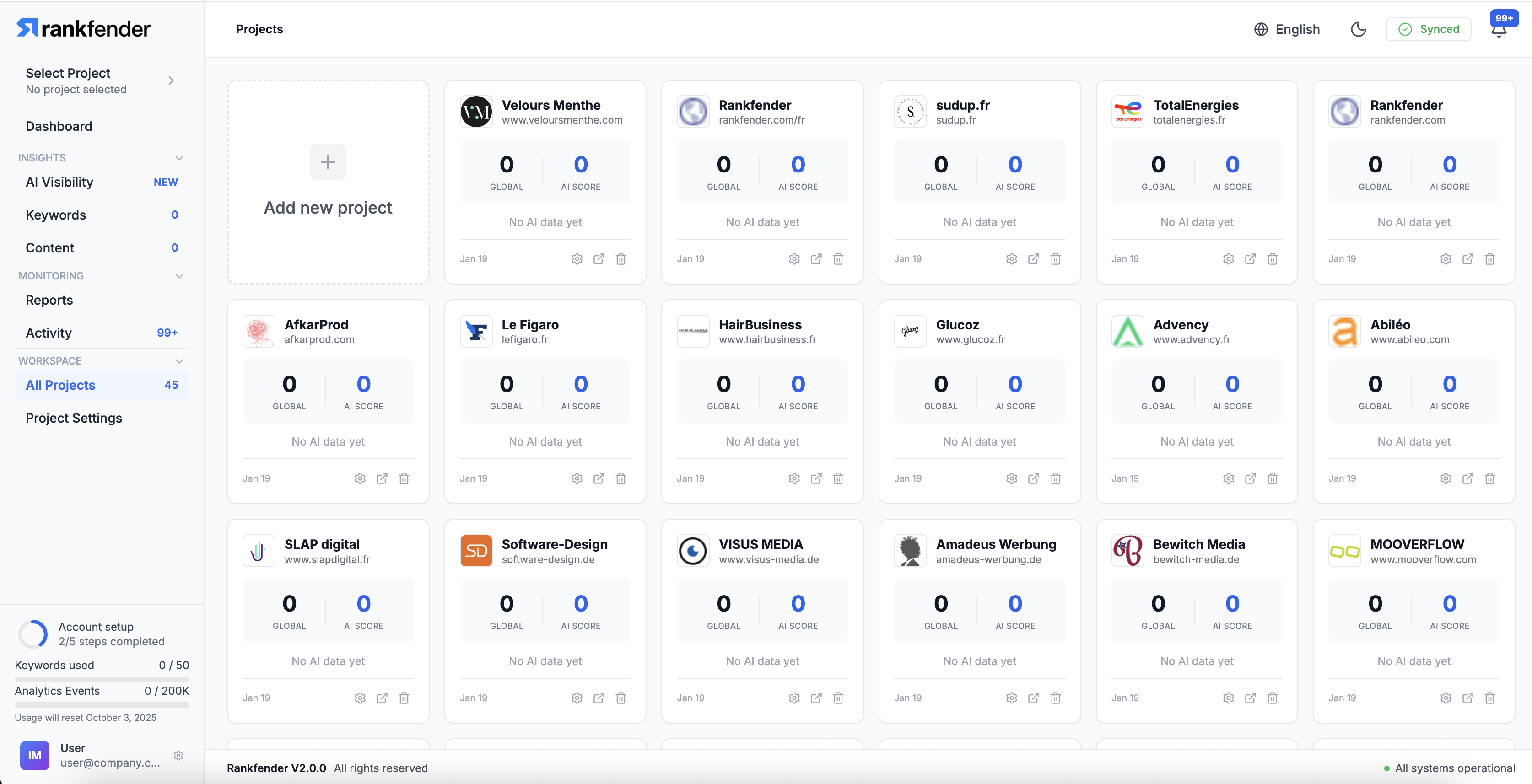
Creating a New Project
- Click "New Project" from the Projects page
- Enter the project name and website URL
- Select the primary language
- Complete the Brand Book setup (or generate with AI)
- The project is ready to use
Project Card Information
- Project Name: Brand or website name
- Articles: Total content count
- Keywords: Number of tracked keywords
- AI Score: Current AI Citation Score
- Status: Active, paused, or setup required
Project Actions
- Open: Enter the project's dashboard
- Settings: Access project settings
- Pause: Temporarily stop Autopilot and tracking
- Archive: Archive inactive projects (data preserved)
Project Limits
The number of projects you can create depends on your plan. See Plans & Features for details.