Generatore di contenuti
Genera articoli su richiesta con pieno controllo su argomento, tipo e struttura.
What is the Content Generator?
The Content Generator is Rankfender's on-demand article creation tool. Unlike Autopilot (which runs automatically), the Generator lets you create specific articles with full control over every parameter.
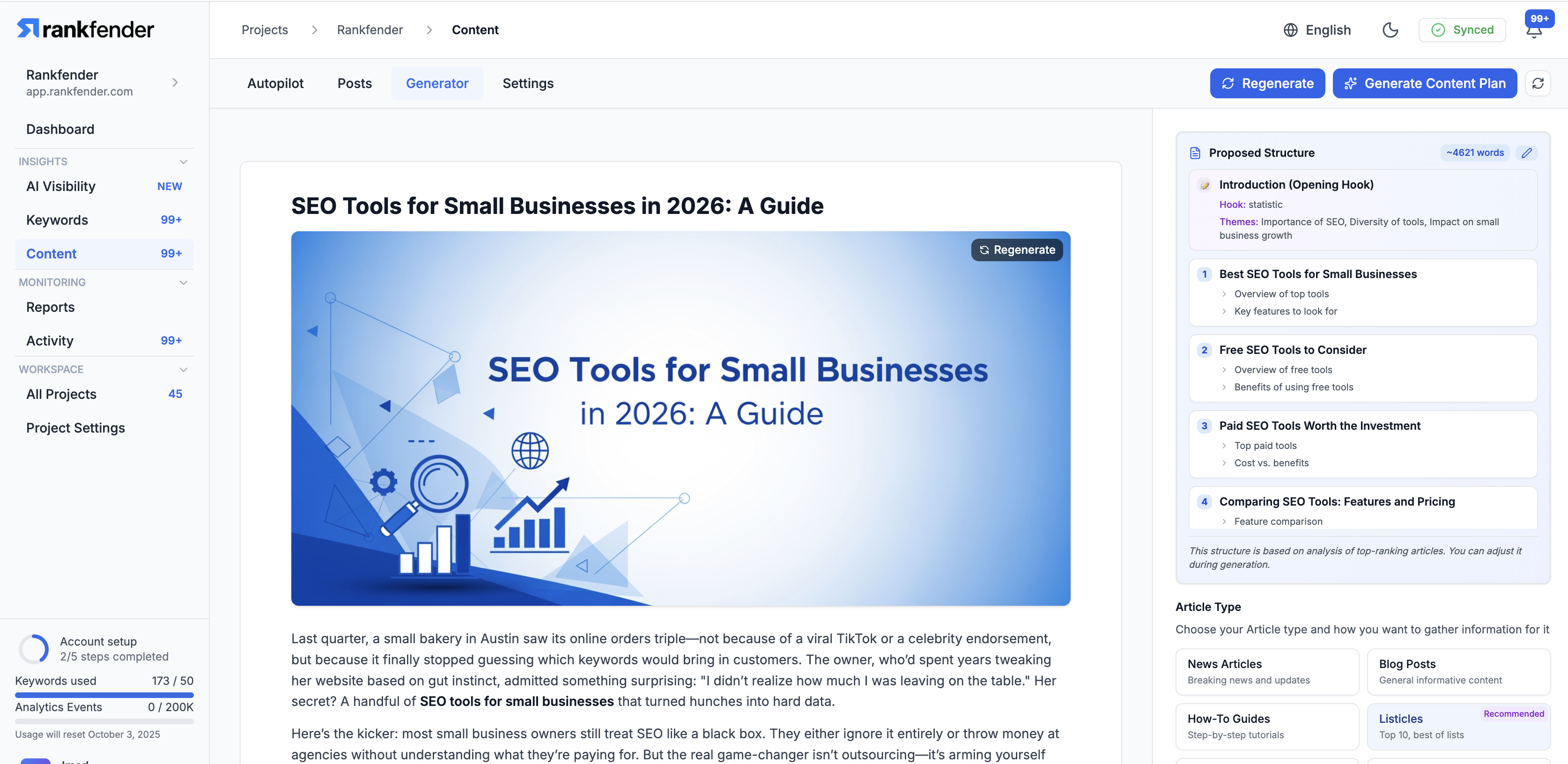
How to Generate an Article
- Go to Content → Generator
- Enter a target keyword or topic
- Select the article type (blog post, how-to, comparison, etc.)
- Choose a template (optional)
- Set the target word count
- Click "Generate"
Generation typically takes 2-5 minutes depending on length and complexity.
Generation Settings
- Keyword: The primary keyword to optimize for
- Article Type: Determines the content structure
- Word Count: Target length (500-5,000 words)
- Template: Custom or built-in structure template
- Persona: Target audience persona (if configured)
- Image Generation: Enable or disable AI-generated images
- Internal Links: Auto-link to existing content on your site
Structure Preview
Before generating, Rankfender shows you a proposed article structure with headings and section outlines. You can:
- Approve the structure and proceed
- Edit headings or reorder sections
- Add or remove sections
- Request a different structure
After Generation
Once generated, the article appears in your Posts list as a Draft. From there you can edit, preview, schedule, or publish it.
When to Use the Generator
- Creating important cornerstone content that needs manual oversight
- Writing time-sensitive articles (product launches, news)
- Testing different content types or structures
- Creating content for specific campaigns